
ImvI логотип, ImvI logo, HD
Modern solution for viewing images and documents

ImvI 1.20 (Image Viewer)

Supported formats: BMP, JPEG, PNG, APNG, PSD, PDF, AVIF, HEIC, DNG, CR2, GIF, DDS, TIFF, WEBP, PNM, PPM, PGM, PBM, PFM, TGA, SGI, RGB, PCX, PIC, HDR, RGBE, XYZE, JP2, J2C, JPC, J2K, DCM, TXT
Converting to formats: BMP, JPEG, PNG, WEBP
View 32 bit images
Support animation: GIF, PNG, WEBP
Support Stable Diffusion (SD): JPEG, PNG, WEBP
Full support for Unicode files
Flexible keyboard and mouse settings
Setting a background image
Opening on different monitors
Association with file types from the application
EXIF 3.0, IPTC, XMP, C2PA support
Drag&Drop

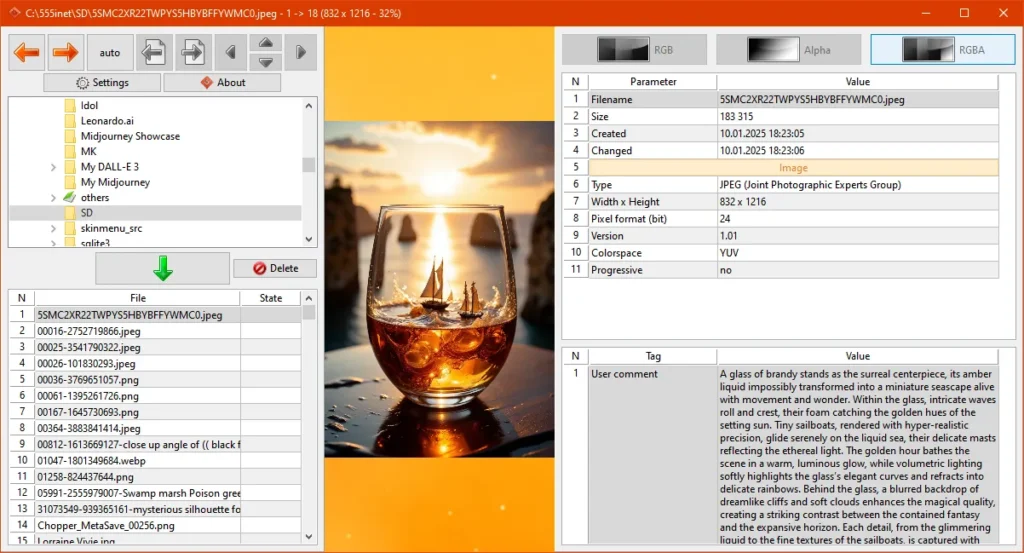
The program's appearance with the file panel open

The program’s appearance with the file panel open

Information panel

Information panel
Full program interface

Full program interface

In ImvI, all information and error messages related to files (folders) are displayed immediately in the viewing area. This is done to avoid disturbing the user with pop-up messages
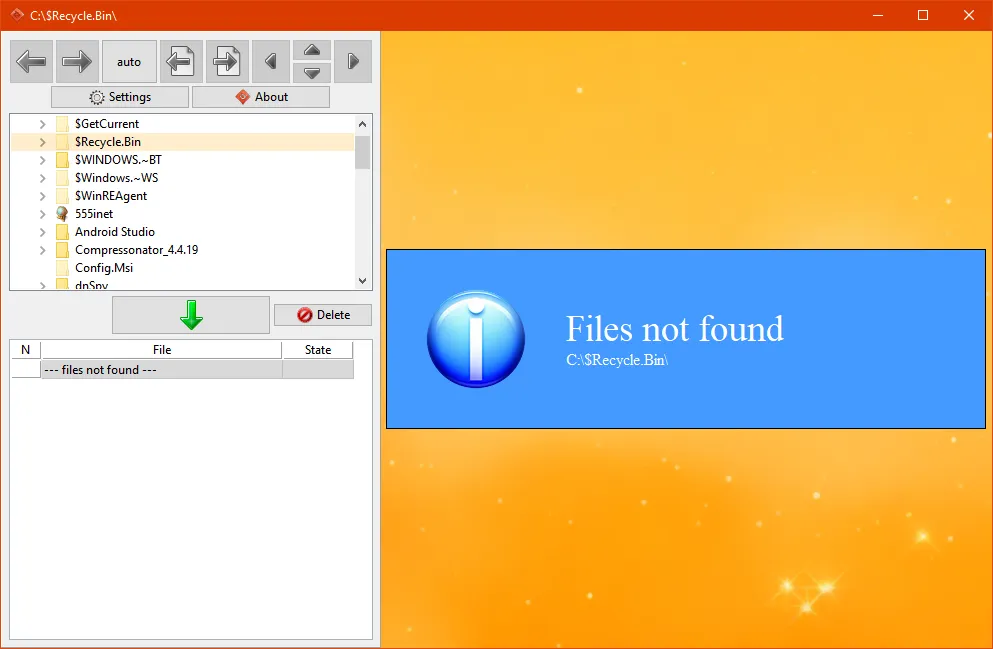
In ImvI all informational messages and error messages related to files (folders) are displayed immediately in the viewing area. This is done to avoid disturbing the user with pop-up messages
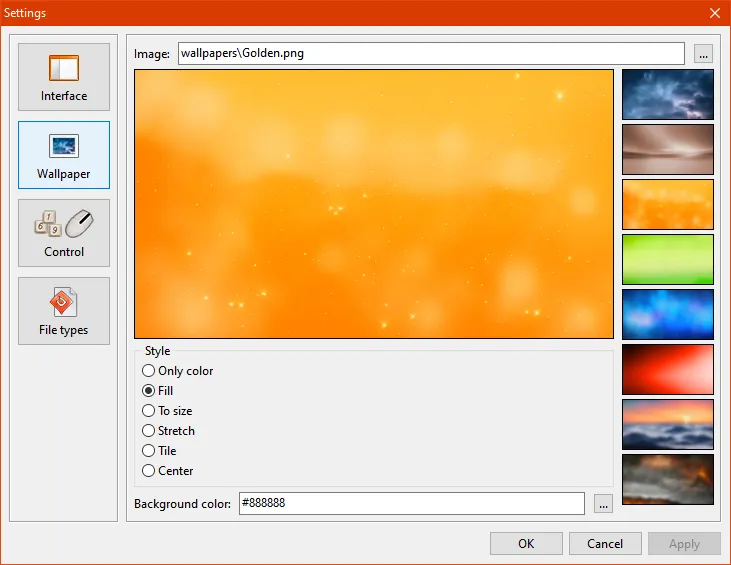
Setting up the background of the main window. There are preset images. If desired, you can choose your own background. The background color is set by Hex code

Setting up the background of the main window. There are preset images. If desired, you can choose your own background. The background color is set by Hex code

Detailed keyboard and mouse settings
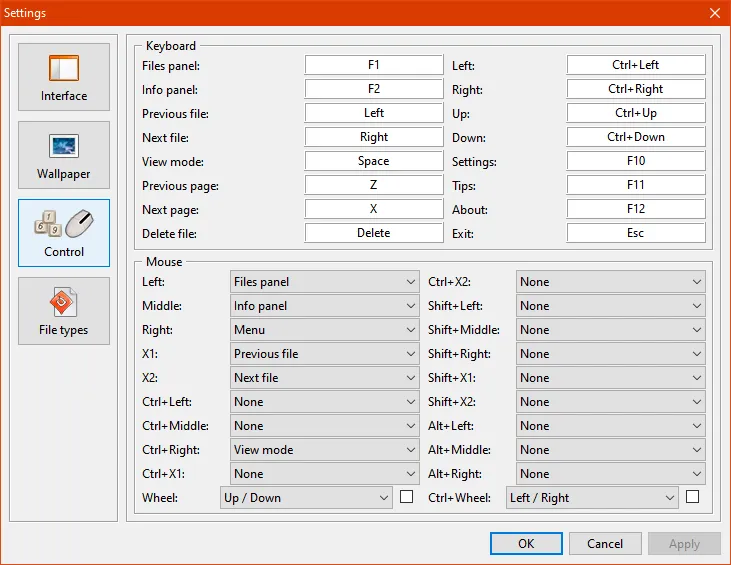
Detailed keyboard and mouse settings
Setting up file type associations from within an application

Setting up file type associations from within an application

Supported operating systems:

Microsoft Windows 10;
Microsoft Windows 11.

Shopping Cart
Scroll to Top